DK-JS Online Tools
Powerful online tools for productivity and creativity. All tools work locally in your browser for privacy and speed.
100% Privacy Protected

All tools process files locally in your browser. No server uploads, no data transmission - your files stay on your device at all times.
Lightning Fast Performance
Client-side processing means instant results. No waiting for server responses or upload times - everything happens in real-time.
Cross-Platform Compatibility
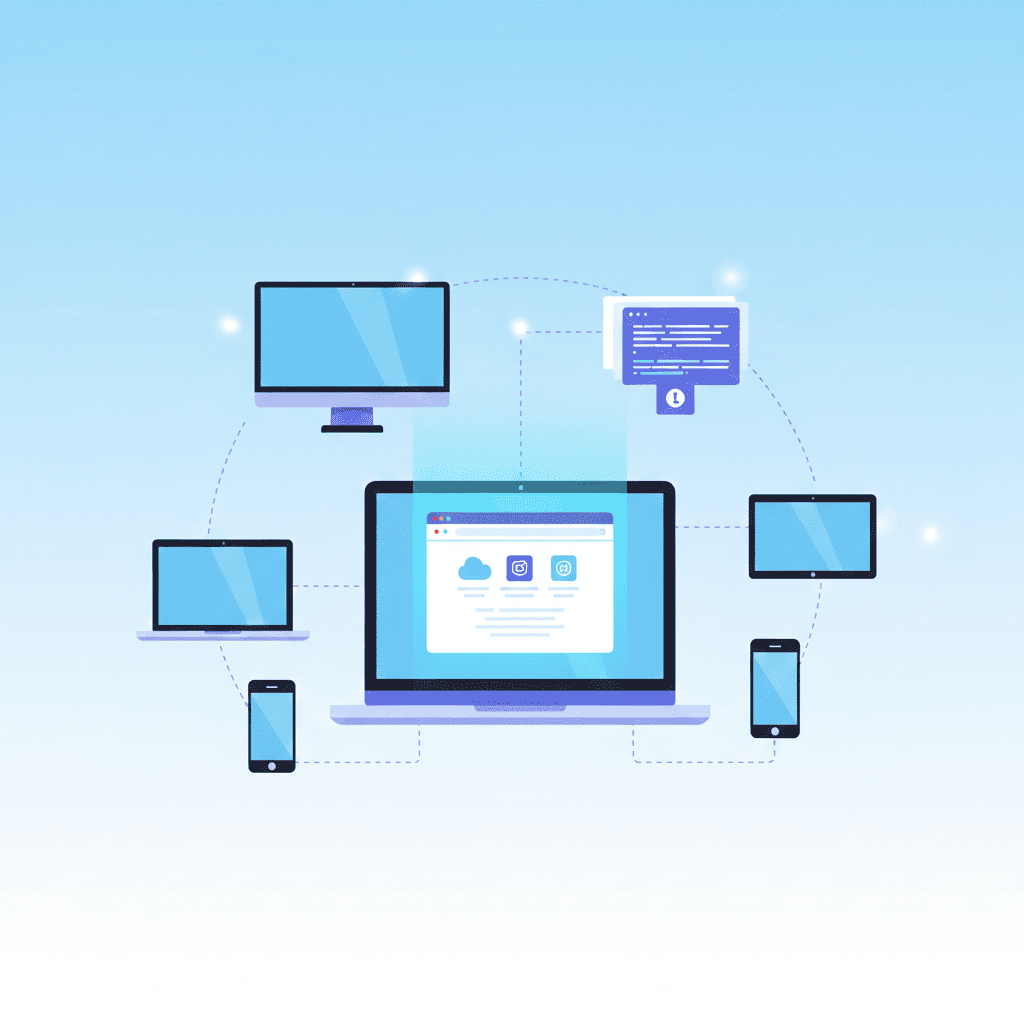
Works on any device with a modern browser. Windows, Mac, Linux, iOS, Android - no software installation required.
No Software Required
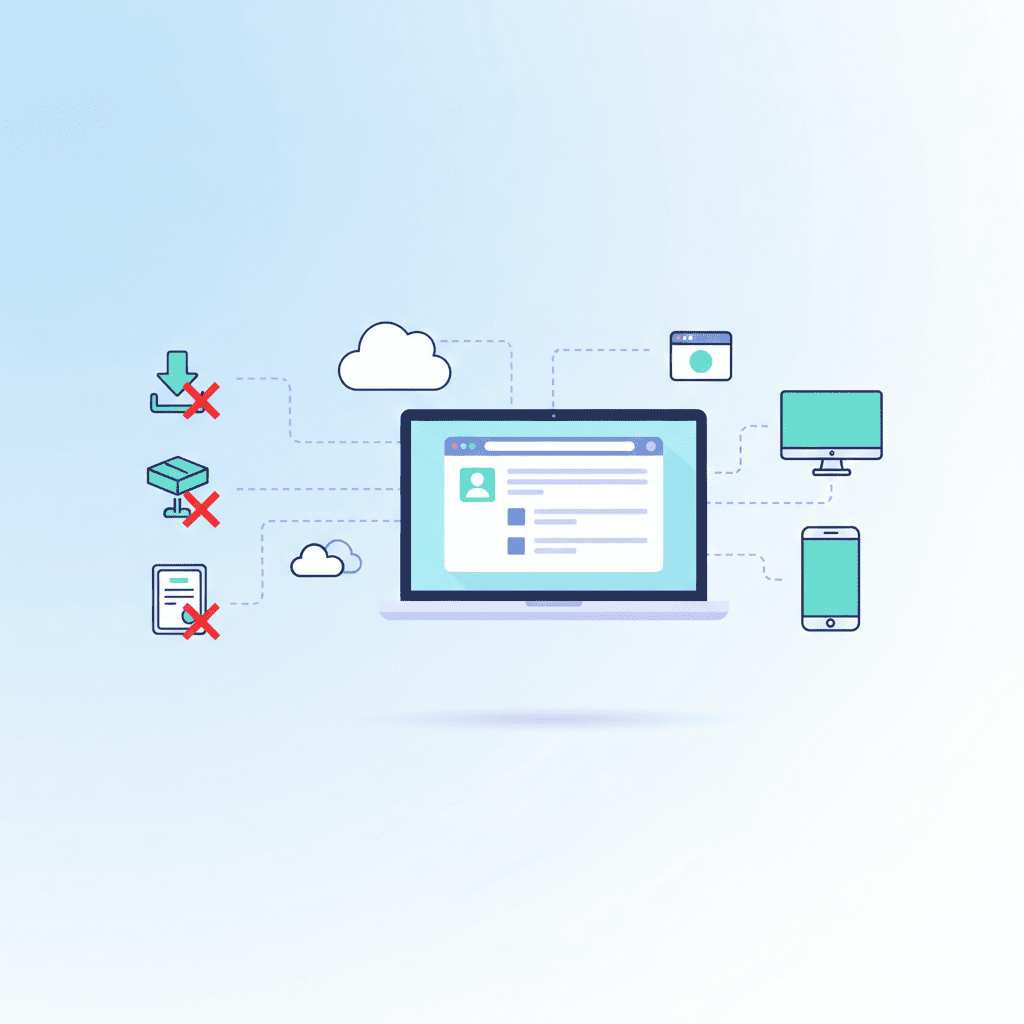
Access professional tools directly in your browser. No downloads, no installations, no software licenses needed.
Completely Free

All tools are free to use with no hidden costs, subscriptions, or premium features. Full functionality available to everyone.