Image Splitter
Split any image into a grid with custom rows and columns. Drag cut lines to fine-tune positions, set gutter and naming, then preview and download all slices as PNG — no upload, everything runs in your browser.
How To Use
Upload or Paste Image
Choose an image file, paste from clipboard, or enter an image URL. The image splitter loads it locally — nothing is sent to a server.
Set Grid & Drag Lines
Pick a grid preset (e.g. 2x2, 3x3) or enter rows and columns. Drag the red cut lines on the canvas to adjust where the image is split. Optionally set gutter width and line color.
Name & Split
Choose file naming: sequence (prefix + row/column order) or a manual list. Click "Split Image & Preview" to generate slices, then download individually or as a ZIP.
100% Client-Side Processing

Splitting happens locally in your browser. Your image never leaves your device, ensuring complete privacy and security.
Flexible Grid Layouts
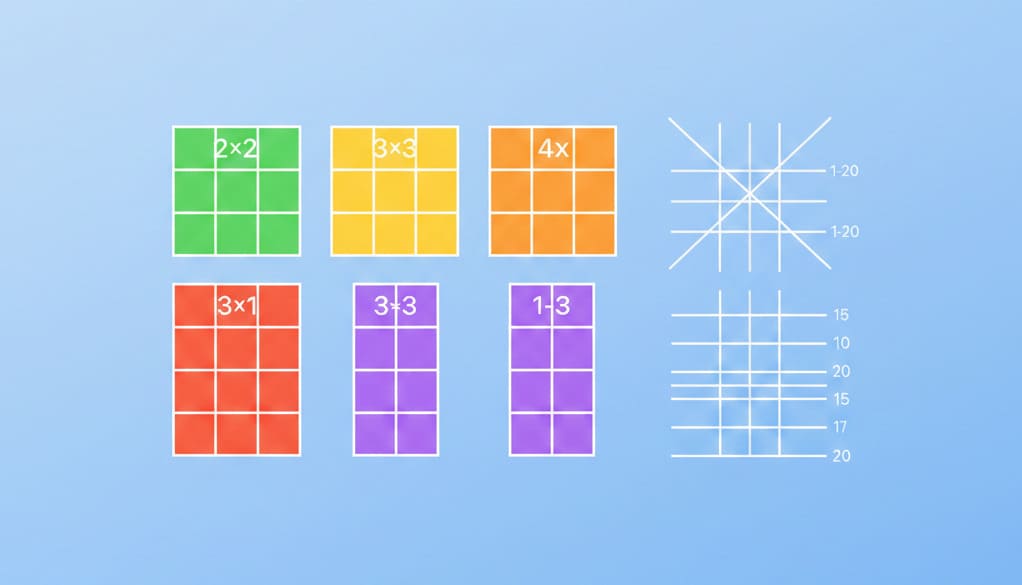
Use presets (2x2, 3x3, 4x4, 3x1, 1x3) or set custom rows and columns (1–20). Grid lines are evenly spaced by default.
Drag to Adjust Cut Lines
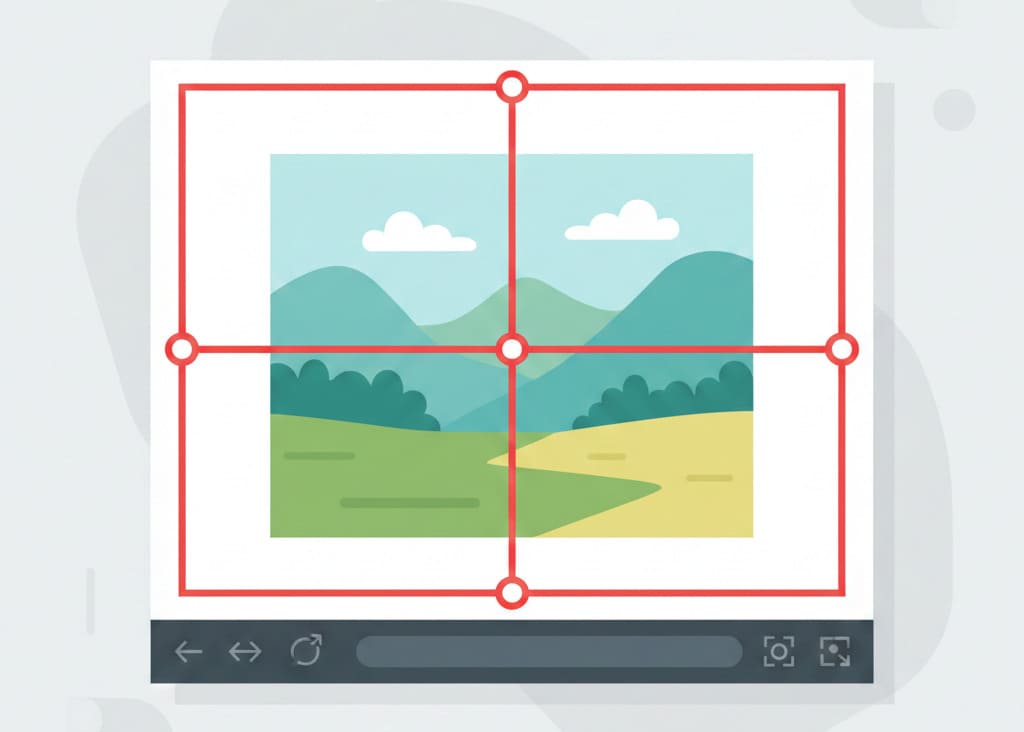
Drag the red lines on the canvas to fine-tune where the image is cut. All four edges can be adjusted for precise slicing.
Live Preview & Dimensions
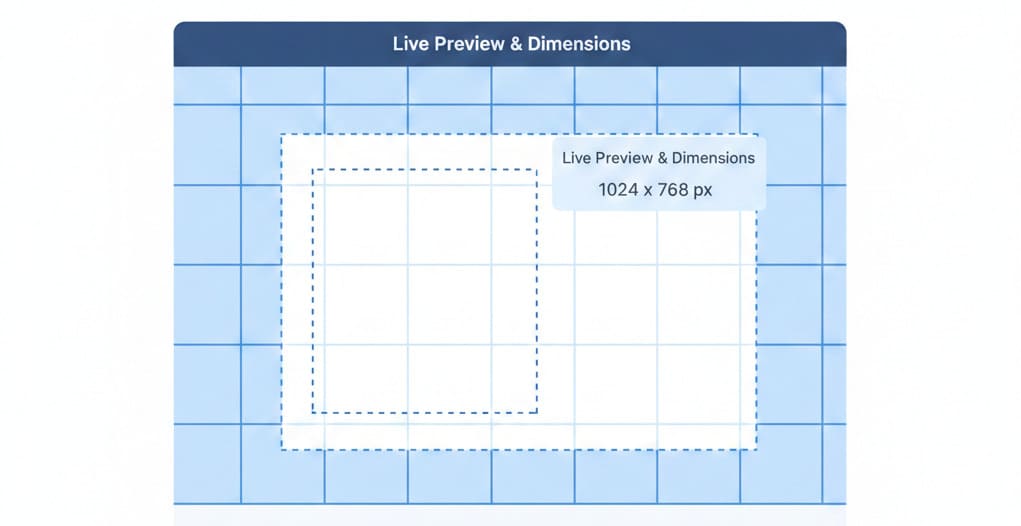
See the grid overlay and optional slice dimensions (width x height) before splitting. Toggle gutter width and line color.
PNG Slices & ZIP Download

Download each slice as PNG, or get all slices at once. Use 'Download ZIP' to save the full set in one file.
Smart Naming

Sequence naming with prefix and row/column order, or enter a manual list of filenames. Paste image or enter URL to start.
Cross-Platform

Works on Windows, Mac, Linux, iOS, and Android. Use in any modern browser — no install required.