Free PDF to Image Converter Online
Convert PDF pages to high-quality images instantly with our free PDF to image converter. Support JPG, PNG, and WebP formats with customizable quality settings. All processing happens in your browser - no uploads, no registration, complete privacy protection.
How To Use
Select Your PDF File
Click the "Choose PDF File" button to select your PDF document. Our PDF to image converter supports all standard PDF formats and processes files locally in your browser for instant access and complete privacy protection.
Preview and Navigate Pages
Use the preview panel to see your PDF pages rendered in high quality. Navigate between pages using the previous/next buttons or jump to specific pages. Preview exactly what you'll get before conversion.
Choose Output Format and Quality
Select your preferred output format: JPG for photos and graphics, PNG for transparency, or WebP for modern web use. Our PDF to image converter allows you to adjust quality settings for JPG and WebP to optimize file size and image quality.
Convert and Download
Convert individual pages or entire documents with a single click using our PDF to image converter. Download images instantly in your chosen format. All processing happens locally for maximum speed and privacy.
Social Media and Web Sharing
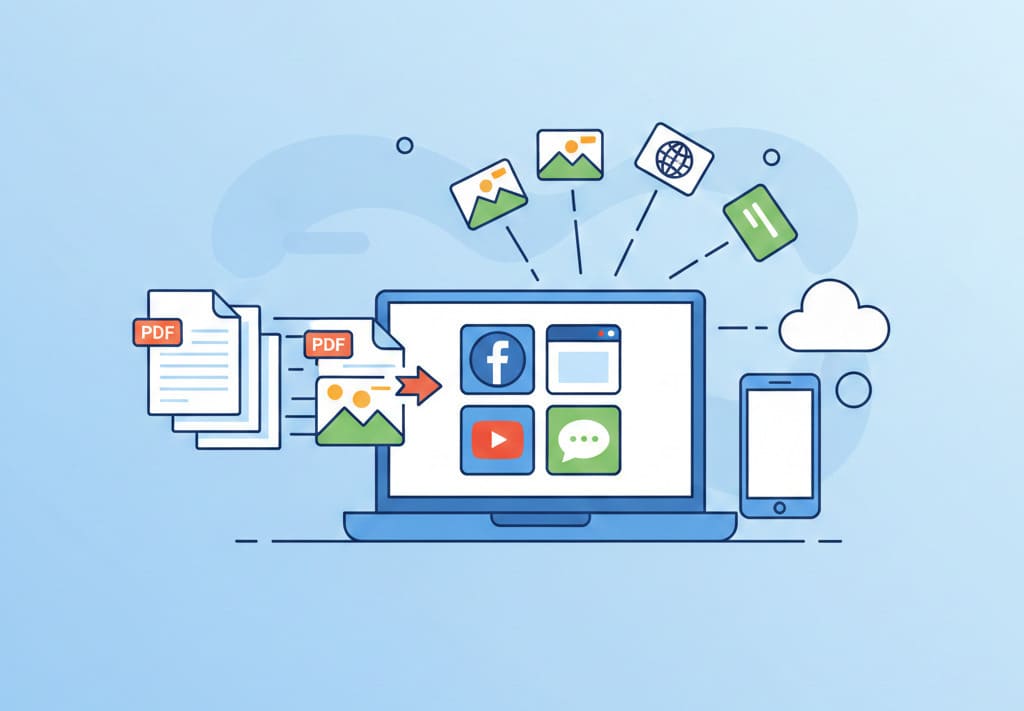
Use our PDF to image converter to convert PDF pages to images for easy sharing on social media platforms, websites, or messaging apps. Images load faster and display consistently across all devices and platforms.
Presentations and Documents
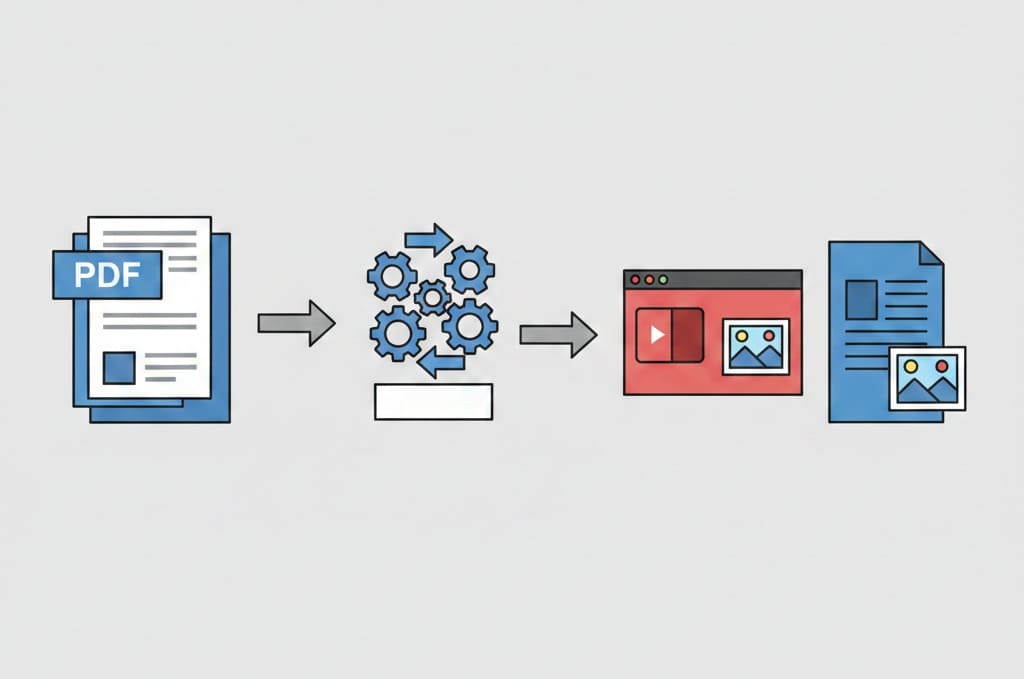
Extract specific pages or charts from PDFs using our PDF to image converter and convert them to images for use in PowerPoint presentations, Word documents, or other presentation software that works better with image formats.
Content Creation and Design
Use PDF to image conversion for graphic design projects, content creation, or when you need to extract visual elements from PDF documents for editing in image editing software.
Archiving and Documentation
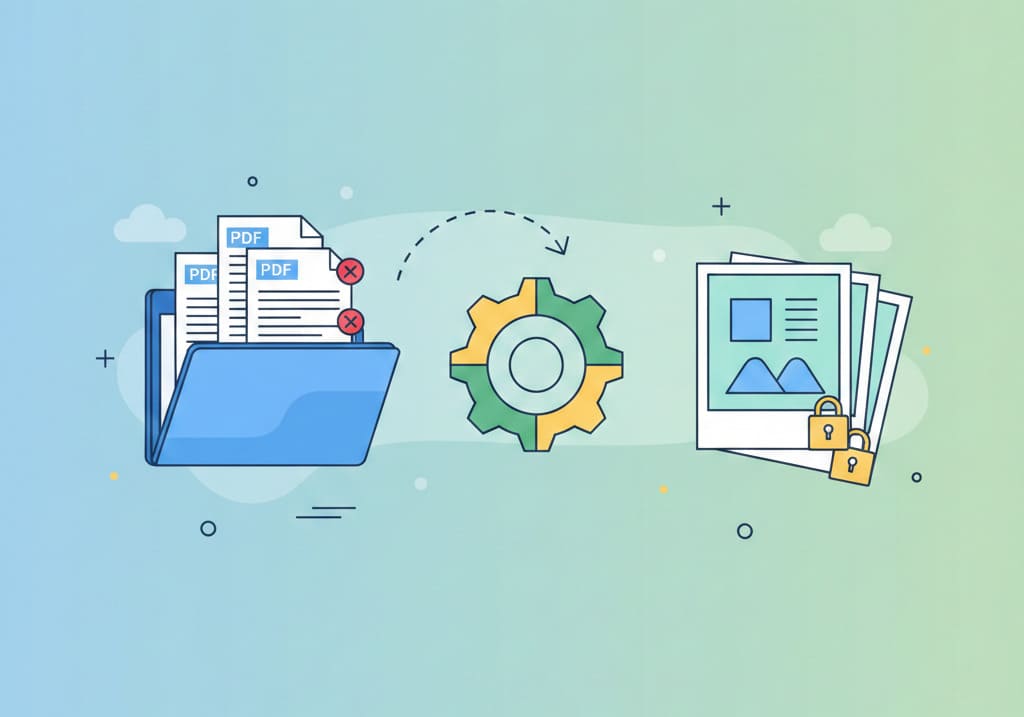
Convert important PDF documents to images for long-term storage, especially when you need to ensure content cannot be modified. Images provide a fixed, unchangeable record of your documents.
OCR and Image Processing
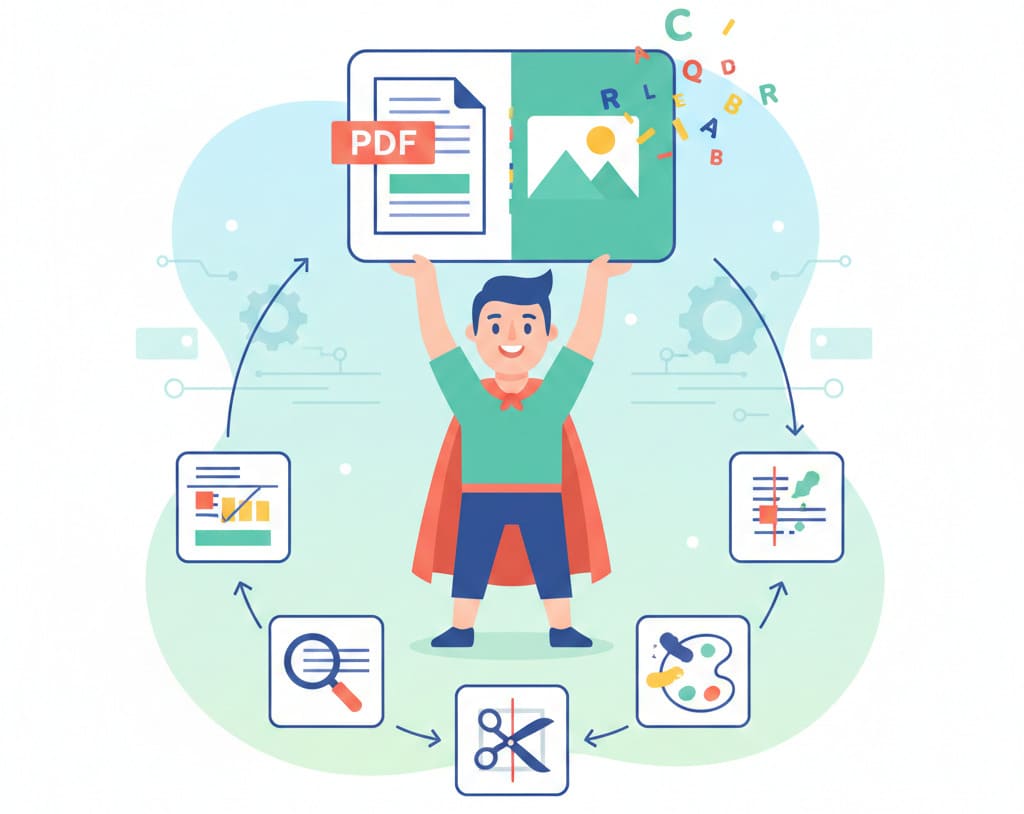
Convert PDF pages to images for optical character recognition (OCR) processing or when you need to apply image filters, cropping, or other image processing techniques to PDF content.